

The demand for AI development within web projects has accelerated as businesses invest heavily in digital transformation. According to Statista, global spending on digital transformation is projected to surpass $3.8 trillion, with automation technologies contributing significantly to cost reduction and operational efficiency.
When exploring web development services for beginners, smart automation and data-driven features are changing how websites are planned, designed, and optimized. Innovation is changing how developers work by adding tools like smart testing and predictive product recommendations.
For beginners, this shift represents both an opportunity and a strategic advantage. Whether you’re creating a simple business website or launching a scalable web application, knowing how to incorporate intelligent technologies into your workflow is becoming increasingly important for providing competitive digital experiences.
With AI assistance, even first-time developers can build intelligent, responsive web solutions while businesses gain data-driven growth. – Syed Irtiza Ali, Brand Manager at Diginautical
Read More: 10+ Profitable AI Business Ideas
What Is Web Development? Basics Every Beginner Should Know
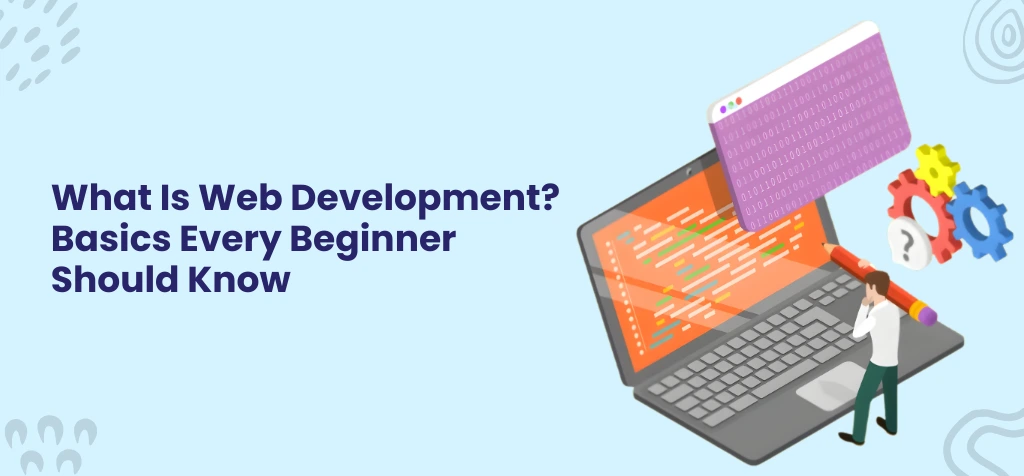
Before diving into advanced tools and automation, it’s essential to understand what web development is at its core. In simple terms, web development is the process of building, designing, and maintaining websites or web applications that run on browsers. A strong grasp of web development basics helps beginners understand how websites function, how users interact with them, and how businesses use them to generate revenue, especially through ecommerce web development and SaaS platforms.
A practical beginner’s guide to web development usually starts with understanding three primary layers of development: front-end, back-end, and full-stack.
Front-End Development
Front-end development focuses on what users see and interact with. It includes layout, colors, typography, buttons, navigation, and responsiveness across devices.
Key elements include:
- HTML for structuring content
- CSS for styling and layout
- JavaScript for interactivity and dynamic behavior
- UI/UX design fundamentals to improve usability
- Responsive design principles to ensure mobile compatibility
Back-End Development
Back-end development manages the logic behind the scenes. It handles databases, authentication, APIs, and server communication. When users log in, add products to a cart, or submit forms, the backend processes those requests securely.
It typically involves:
- Server-side languages (e.g., PHP, Python, Node.js)
- Database management systems
- API integrations
- Web hosting and server configuration
Full-Stack Development
Full-stack developers work on both front-end and back-end systems. They understand how design connects with logic, ensuring smooth performance from user interface to server response. Businesses often prefer full-stack expertise for scalable web applications and custom ecommerce solutions.
Why These Basics Matter
Whether you’re exploring web development services for beginners or planning to build a startup, mastering the fundamentals is critical:
- Strong coding foundations improve scalability
- Framework knowledge speeds up development
- UI/UX understanding enhances user retention
- Reliable hosting ensures performance and security
- Structured development reduces long-term maintenance costs
Read More: Top 10 Web Development Companies in the USA
How AI Is Transforming Web Development
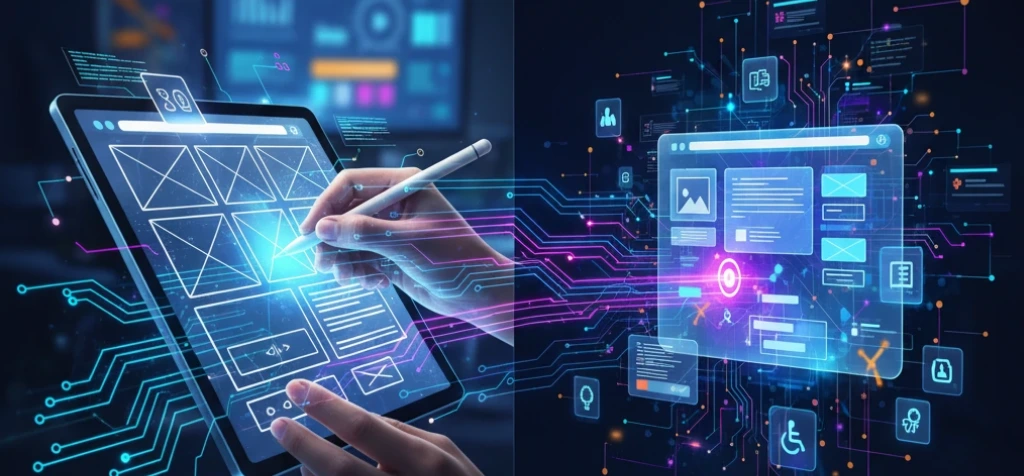
Modern websites are no longer just static digital brochures. Businesses are combining advanced automation and data intelligence to boost performance, reduce manual labor, and create personalized user journeys. This shift has accelerated the demand for AI web development and integrated AI app development services that go beyond traditional coding techniques.
At the same time, the development of generative AI is helping teams organize their content more efficiently, quickly create prototypes of interfaces, and automate technical tasks that need to be done over and over again. These technologies don’t replace developers; instead, they make them more productive. This lets teams focus on architecture and innovation while intelligent systems work behind the scenes to improve design and workflow efficiency.
Read More: How AI Is Transforming E-Commerce
Step-by-Step Guide to Using AI in Web Development
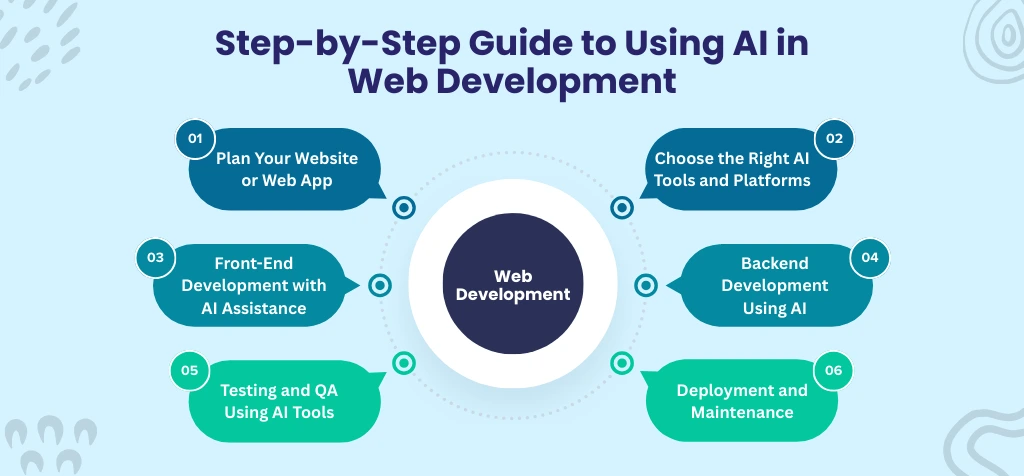
A structured step-by-step web development guide helps beginners understand where automation fits within planning, design, coding, and deployment. Below is a practical roadmap designed to simplify adoption while aligning with professional development standards.
Step 1 – Plan Your Website or Web App
Start with clear project objectives aligned with web development for beginners and scalable digital startup ideas. Define your audience, core features, monetization model, and whether you require ecommerce web development services or enterprise web portal development services.
If expansion is planned, consider integrations with mobile app development services. A documented scope prevents feature overload and ensures smoother collaboration between designers, developers, and stakeholders.
Step 2 – Choose the Right AI Tools and Platforms
Choose tools that fit with your goals for AI web development and automation. This includes generative AI for organizing content, AI-based tools for completing code, and cloud platforms that support scalable architecture.
For advanced functionality, integrate AI chatbot systems or AI agent development solutions. Even industries like automotive software development company projects rely on automation-driven frameworks for efficiency.
Step 3 – Front-End Development with AI Assistance
Use frameworks like React, Vue, or Angular to make interactive interfaces when you’re just starting with front-end web development. Smart design tools help make layouts better and make things easier to get to.
To make sure that your website works on all devices, focus on mobile-friendly web development and cross-platform development services. Automated UI analysis makes the UI more responsive and keeps users interested.
Step 4 – Backend Development Using AI
Understanding backend development basics is essential for database logic, authentication, and server communication. AI-assisted code generation accelerates API creation and database structuring.
Following a full-stack development guide ensures alignment between front-end and back-end systems. Many businesses consult a custom software development company for secure architecture and optimization.
Step 5 – Testing and QA Using AI Tools
Automated testing platforms detect bugs, performance bottlenecks, and security vulnerabilities across environments. AI web development services improve regression testing speed and accuracy.
Integrated AI app development services enable cross-platform validation and predictive issue detection. Ongoing software maintenance and support services ensure stable performance after launch.
Step 6 – Deployment and Maintenance
Use secure hosting and a cloud infrastructure that can grow with your needs to deploy apps. For beginners, web development services often include guided deployment workflows and the ability to add analytics.
Continuous monitoring tools track performance metrics and user behavior. Businesses planning long-term growth often hire web developers to manage updates, optimization, and feature expansion.
Read More: Why Is Full Stack Web Development Essential for Business Growth?
Common Mistakes Beginners Make in AI-Powered Web Development
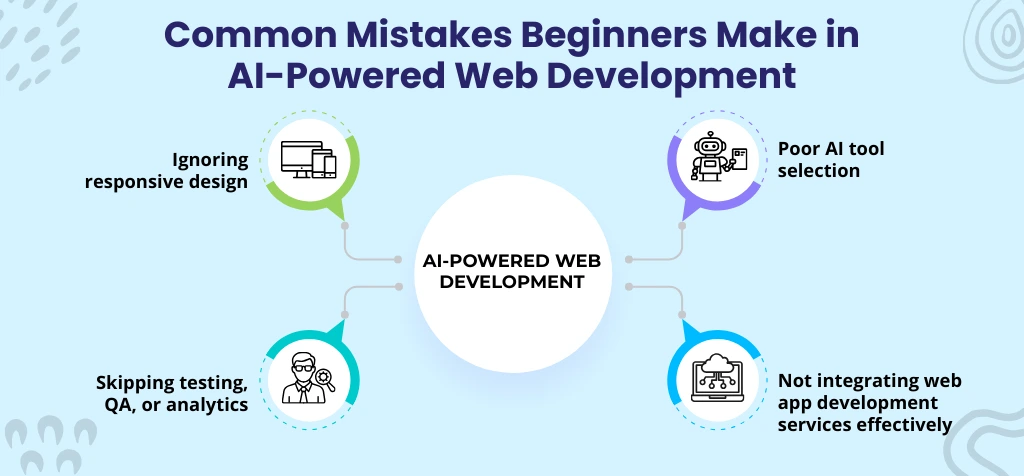
Even with access to advanced tools, many professionals following a beginner-friendly web development tutorial overlook critical technical fundamentals.
Ignoring Responsive Design
Many beginners prioritize features over adaptability. Without responsive architecture, websites fail across devices. Even generative AI development services cannot compensate for poor mobile optimization and inconsistent user interface performance.
Poor AI Tool Selection
Choosing tools without evaluating scalability, integration compatibility, or industry requirements creates long-term issues. A healthcare software development company, for example, requires secure, compliant solutions rather than generic automation platforms.
Skipping Testing, QA, or Analytics
Automation does not eliminate testing. Ignoring QA, performance monitoring, and analytics leads to hidden bugs and weak user experiences, reducing the effectiveness of intelligent systems and business growth potential.
Not Integrating Web App Development Services Effectively
Using isolated tools without aligning them with structured web app development services causes fragmented workflows. Integration between frontend, backend, and automation systems is essential for scalable, maintainable digital products.
Read More: How to Make an eCommerce Mobile App for Android or iOS
Best Practices and Tips for Beginners
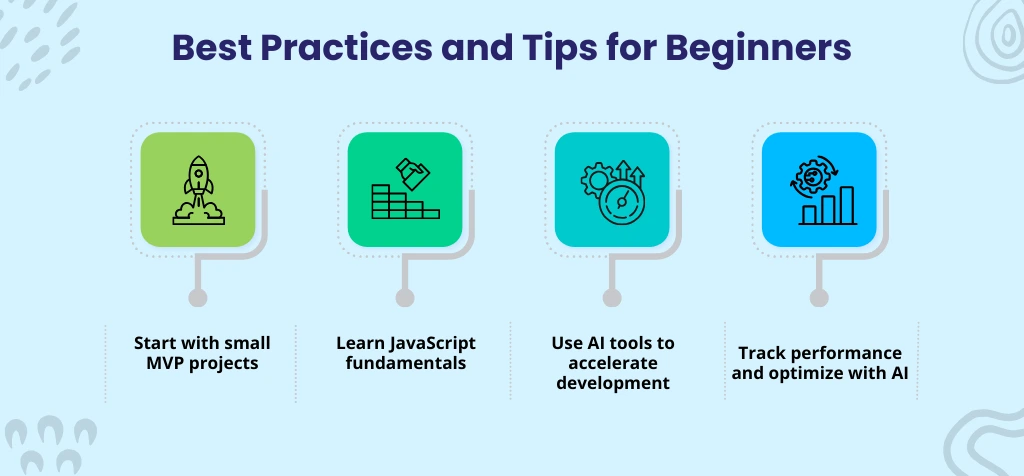
Whether exploring web development services for beginners or researching how to learn web development, following proven practices helps reduce confusion and accelerate real progress.
Start with Small MVP Projects
Begin with focused Minimum Viable Product projects to apply concepts practically. Small builds strengthen problem-solving skills, clarify architecture basics, and create a foundation before scaling into custom software development services.
Learn JavaScript Fundamentals
Master core JavaScript concepts, including variables, functions, DOM manipulation, and asynchronous logic. Strong fundamentals improve adaptability across frameworks and support long-term growth in frontend and backend environments.
Use AI Tools to Accelerate Development
Use automation tools to help with layout, code completion, debugging, and documentation. One useful tip for developing AI is to use smart assistants to cut down on repetitive tasks and make the workflow more efficient.
Track Performance and Optimize with AI
Use smart analytics tools to keep an eye on how users act, how quickly pages load, and how they interact with your site. Optimization boosts conversions, increases engagement, and makes it possible for applications to grow, like AI automotive apps and enterprise platforms.
Read More: ECommerce App Development Cost – Your Complete Guide
Why Choose Diginautical for AI-Powered Web Development
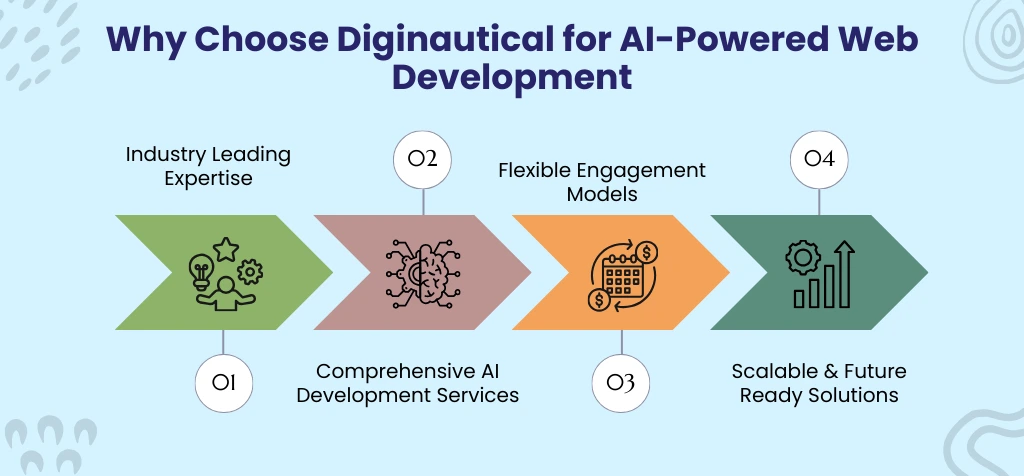
Choosing the right technology partner determines whether your digital investment becomes a scalable growth engine or just another website.
Industry-Leading Expertise
Diginautical delivers advanced AI web development services across healthcare, fintech, eCommerce, logistics, and enterprise platforms. As a trusted finance software development company partner, the team builds secure, scalable, and performance-driven digital ecosystems.
Comprehensive AI Development Services
Diginautical seamlessly integrates automation into web portal development and custom software development services. They offer a wide range of services, including smart AI web development, integrated AI app development, chatbot systems, and AI agent development.
Flexible Engagement Models
Businesses can hire AI app developers, dedicated web developers, or full-stack teams through flexible on-site, remote, or hybrid models. This approach ensures cost control, faster delivery cycles, and scalable project execution.
Scalable & Future-Ready Solutions
Diginautical designs cloud-enabled architectures, ERP development services, SaaS platforms, and enterprise web portal development frameworks that support long-term growth, system integration, and evolving digital transformation strategies.
Read More: Why Businesses Choose Diginautical’s Web Development Solutions to Launch Faster
Final Thoughts
AI-powered web development gives beginners smarter workflows, automated testing, and personalized user experiences. This makes complicated tasks easier and increases efficiency and scalability. Using these tools speeds up learning and the success of projects. Businesses can hire web developers or AI experts through Diginautical to make smart, future-proof websites.
Frequently Asked Questions
Start small—learn core web basics, define your project, and use AI tools to assist design, coding, and testing gradually.
AI web development, AI chatbots, AI agent development, and generative AI for automated content and smart code suggestions.
Absolutely, step-by-step learning with AI support and guidance from professional custom software development services makes it achievable.
Costs range from $50/hr for beginners to $150+/hr for enterprise-level AI and web development services, depending on experience and project complexity.